


デバイス作業スペース
デバイスと地図を同じ画面で確認。
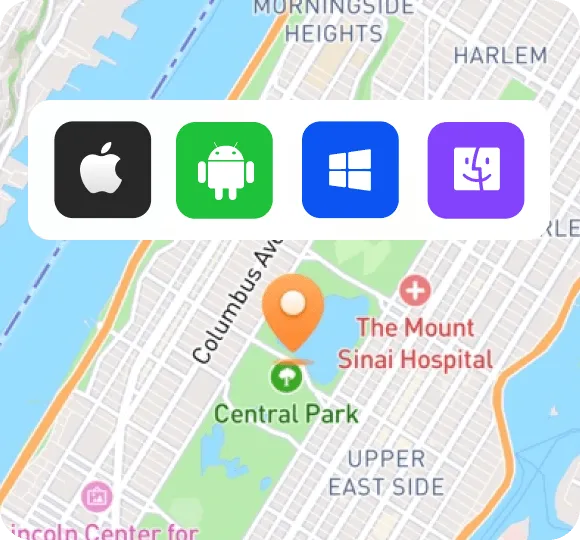

デバイスと地図を同じ画面で確認。
ルートファイルと行程を整理。
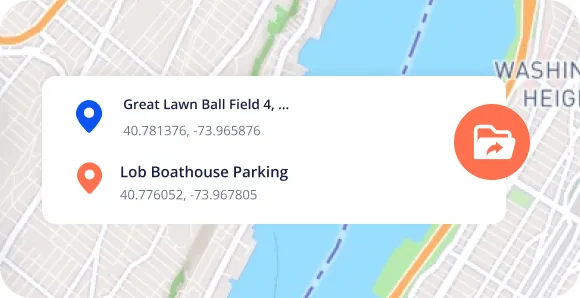
接続中のデバイスをわかりやすく表示。
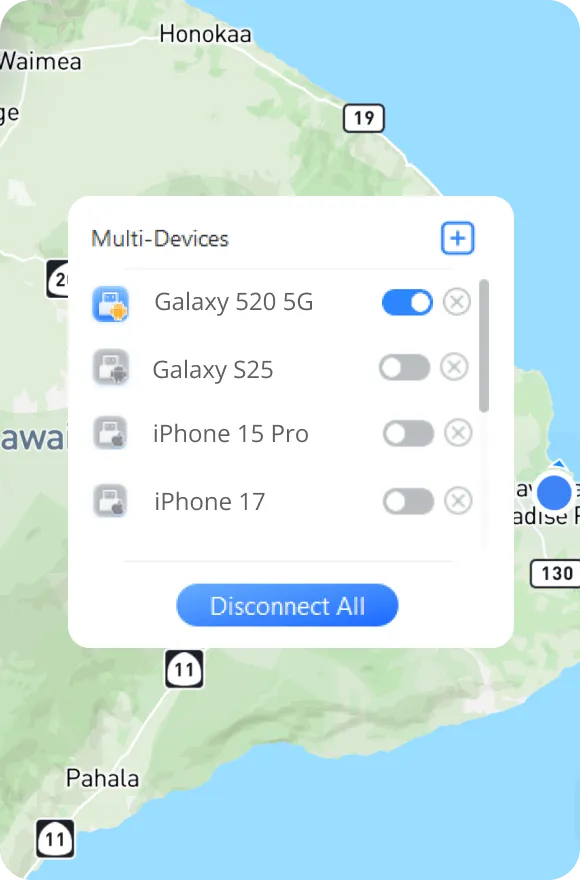
デバイスに合った接続方法を選択。
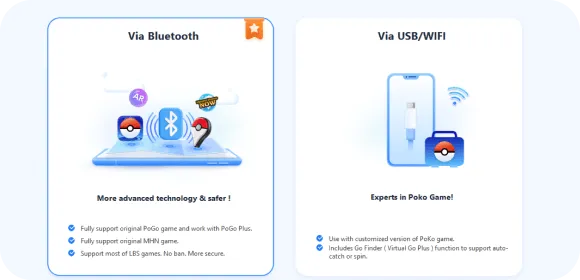
ルートごとに適したペースを設定。
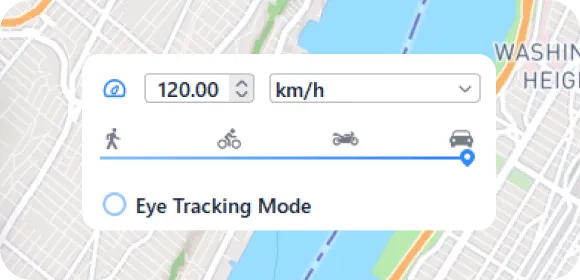
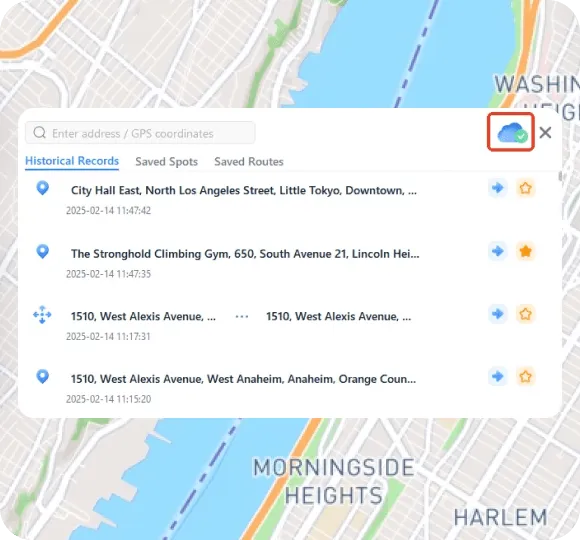
次の目的地をプランに追加。
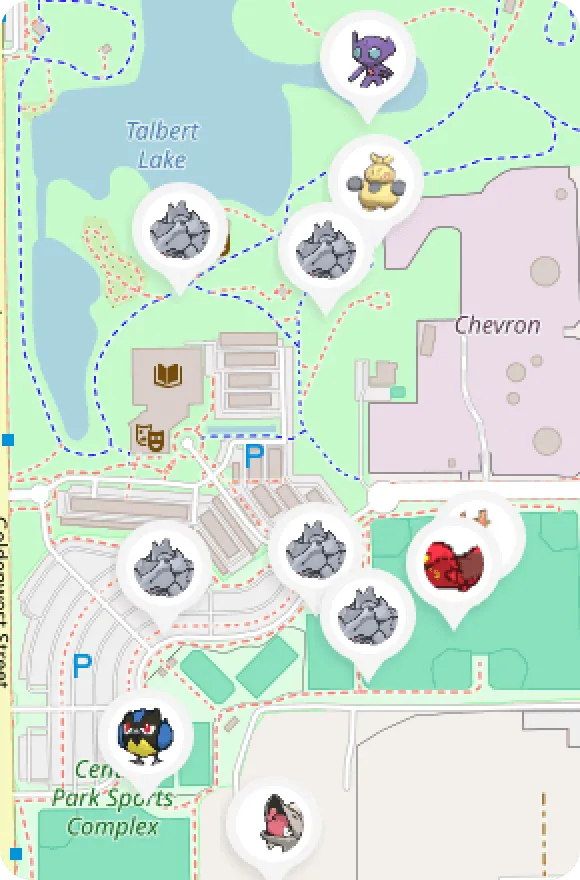
よく使う目的地をすぐ見つけられる。
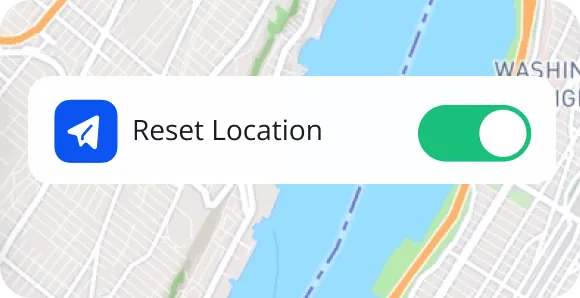
探索のあと日常の作業に復帰。
新しい視点で地図を見て、気になる目的地とルートを計画。
位置情報の使われ方を理解し、自分のデバイスで設定を試す。
都市のランドマークから旅のヒントまで、コンテンツのための場所を探索。
場所ごとのアプリ画面を比較し、有用な観察結果を記録。
Watched the how-to guides. They have YouTube videos and it helped a lot. It is a great app. I started a month ago and my nephew just started and he's been doing good. They have updates going on right now

Broke my leg last month so I literally couldn’t go out and play Pokémon GO at all. I also live in a rural area, so raids are usually dead. This app saved it for me. I've been teleporting to Pier 39 for raids and it’s been smooth

Broke my leg last month so I literally couldn’t go out and play Pokémon GO at all. I also live in a rural area, so raids are usually dead. This app saved it for me. I've been teleporting to Pier 39 for raids and it’s been smooth

I've tried a bunch of location changers to fake my location on Find My, and this is the one I finally stuck with. The fake location is stable. No random jumps. Nothing looks weird

本サイトの購入または会員センターから、独立した会員センターへ進み、プランと契約状況を確認してください。
まずデバイスとOSを確認し、ガイドで利用可能なバージョンを確認してください。互換性は公開済みの説明に準じます。
このページでPC向けプラットフォームを切り替えられます。インストーラ公開後はダウンロードボタンからリンクを提供します。未公開の場合はガイドをご確認ください。
デバイス接続と必要な権限を確認し、OSと再現手順を記録してからサポートへご連絡ください。
本サイトは製品と学習コンテンツを担当し、ログイン・登録・決済・契約・チケットは会員基盤が提供します。
Still have a question? Talk to support
