

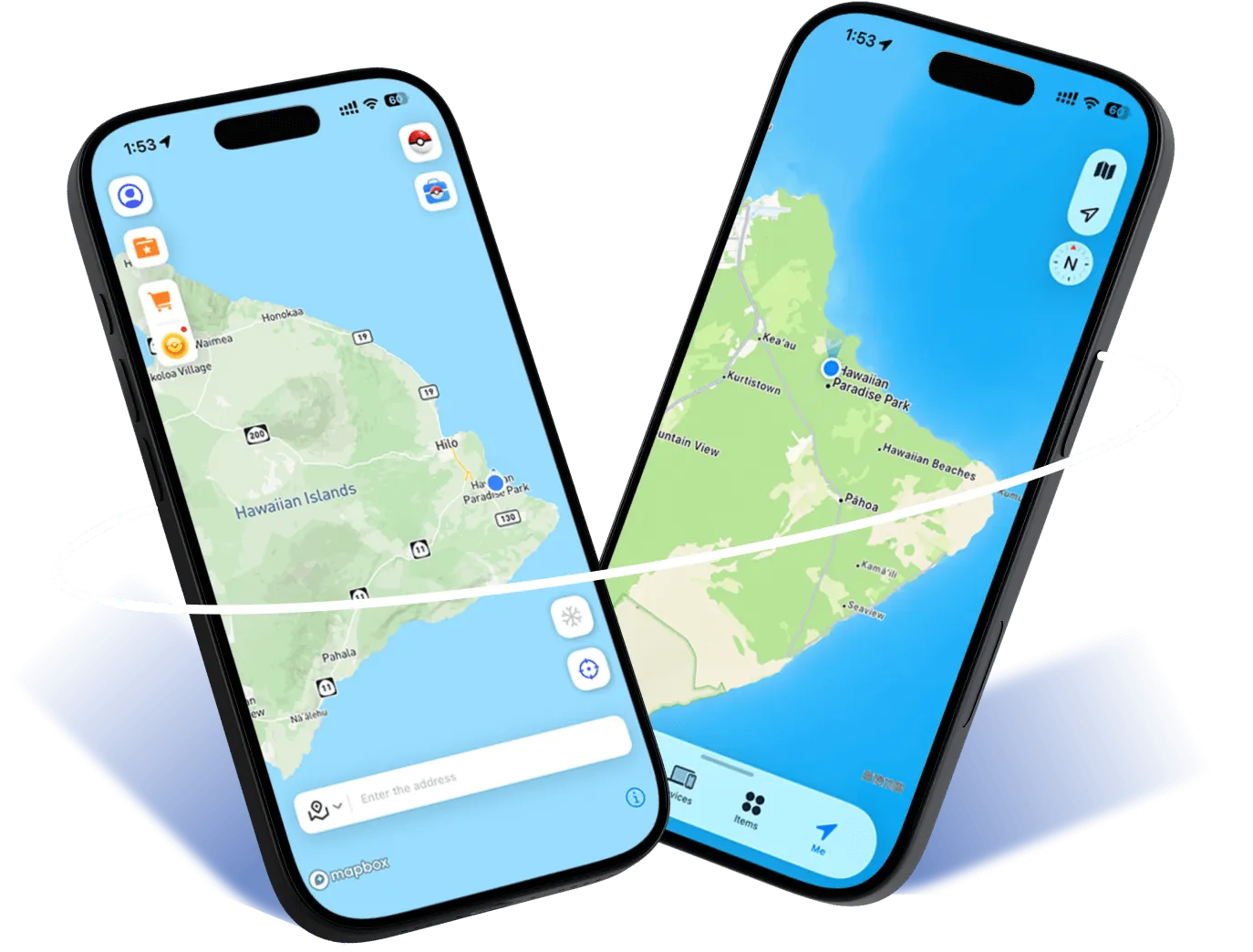
裝置工作空間
把裝置與地圖放在同一個視野。
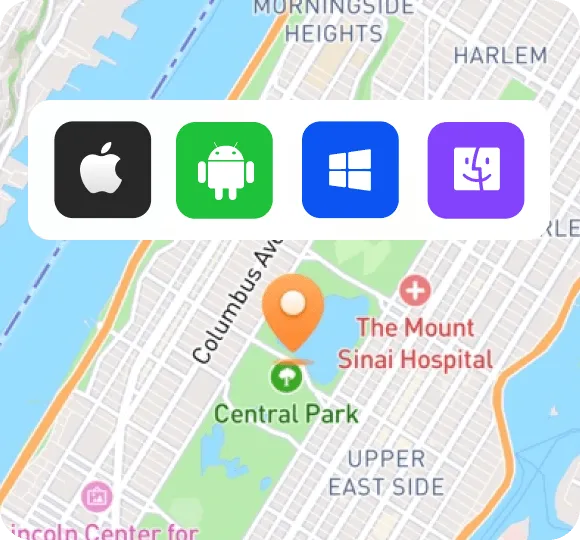

把裝置與地圖放在同一個視野。
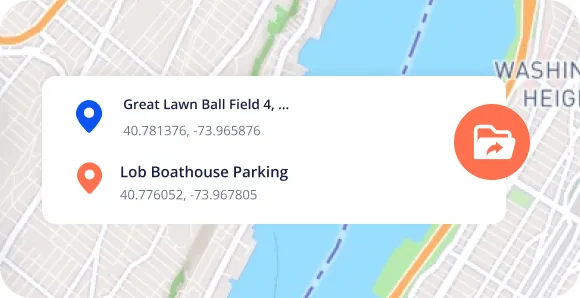
整理你的路線檔案與行程。
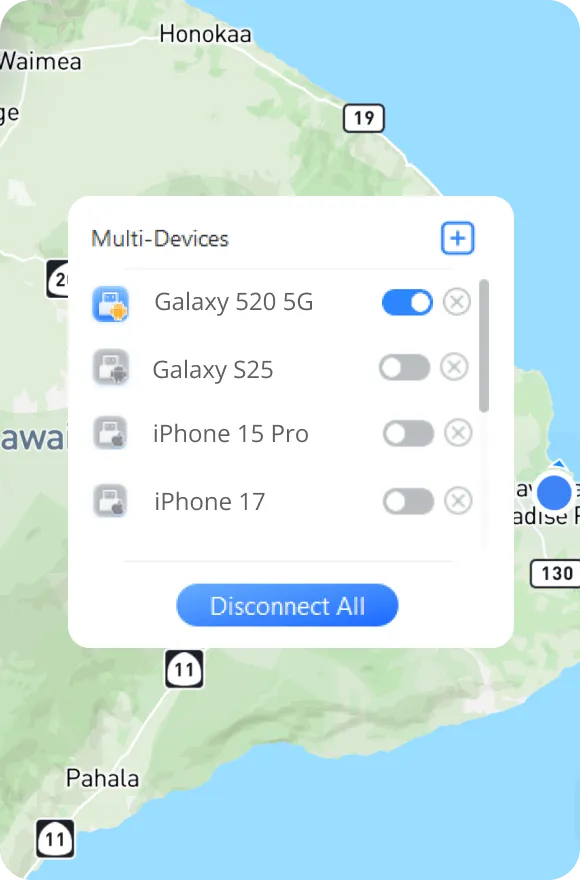
清楚查看已連線的裝置。
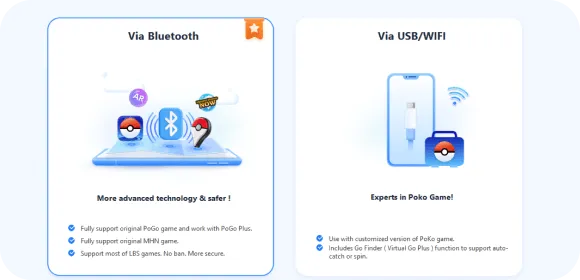
依照裝置選擇適合的連線方式。
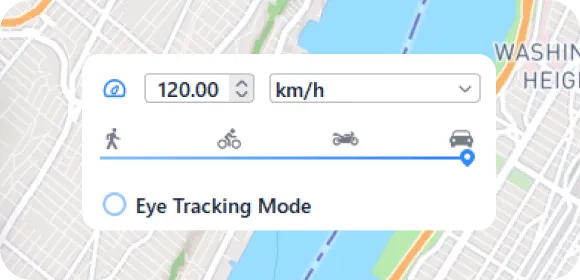
為不同路線選擇適合的節奏。
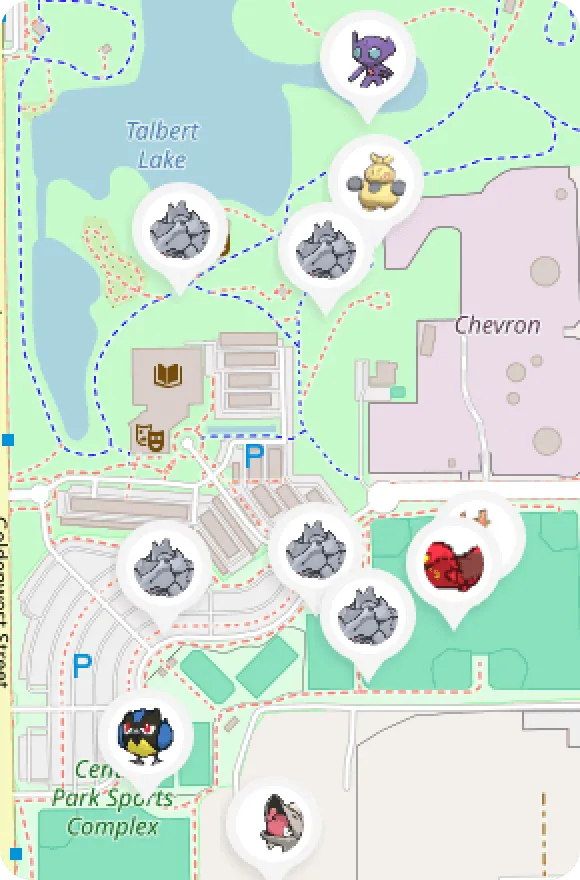
把下一個目的地放進行程。
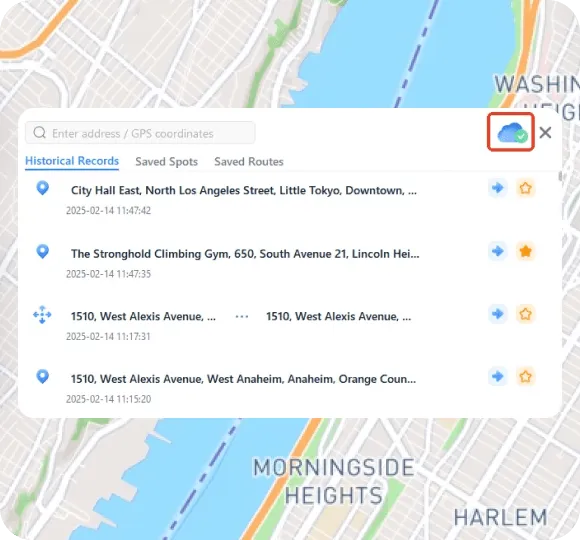
讓常用目的地更容易找到。
完成探索後回到日常工作。
以新的視角查看地圖,規劃你感興趣的目的地與路線。
了解位置資訊的使用情境,在自己的裝置上測試相關設定。
從城市地標到旅行靈感,為你的內容探索更多位置。
比較不同位置下的應用介面,記錄有用的觀察與測試結果。
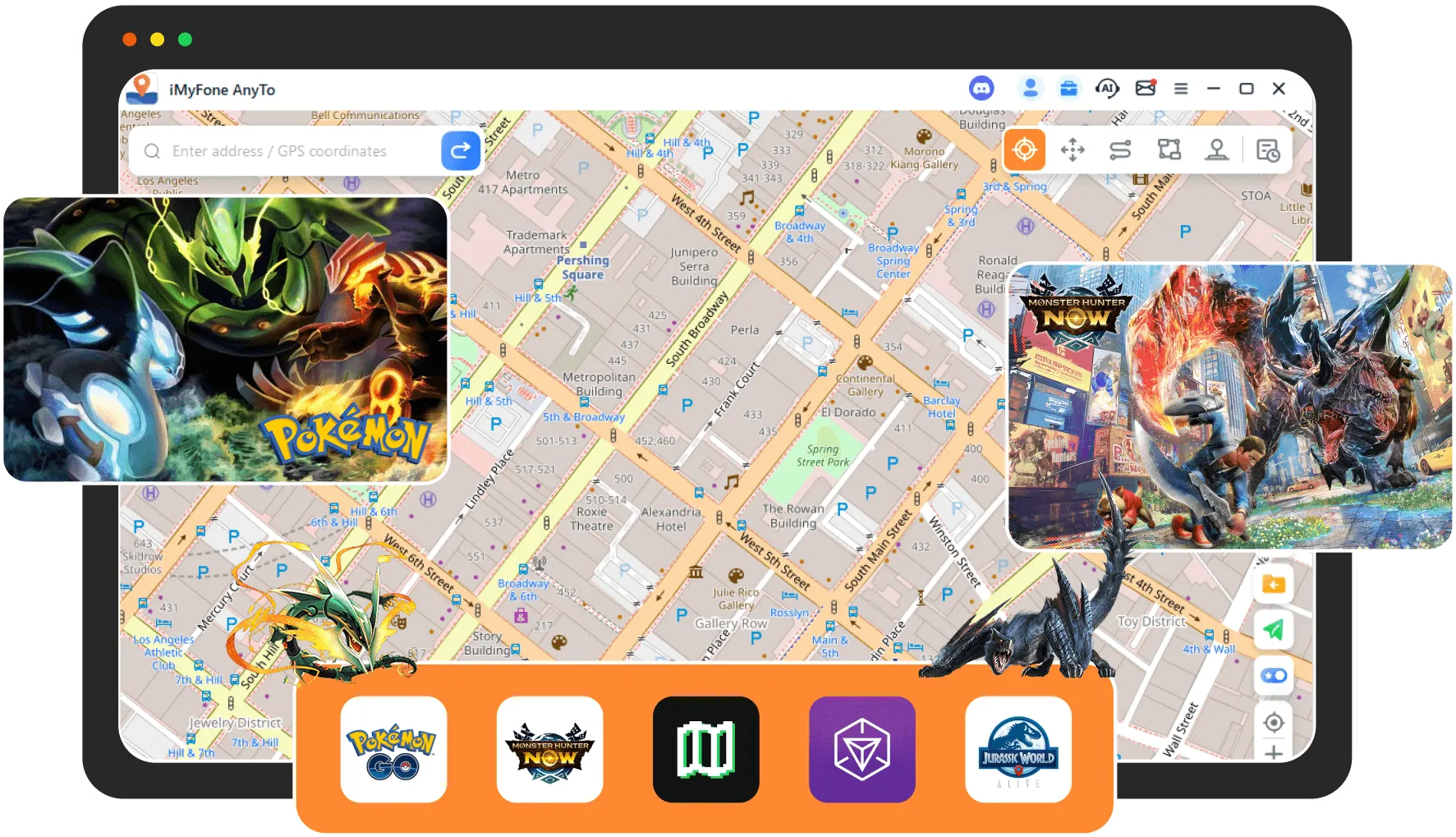
Watched the how-to guides. They have YouTube videos and it helped a lot. It is a great app. I started a month ago and my nephew just started and he's been doing good. They have updates going on right now

Broke my leg last month so I literally couldn’t go out and play Pokémon GO at all. I also live in a rural area, so raids are usually dead. This app saved it for me. I've been teleporting to Pier 39 for raids and it’s been smooth

Broke my leg last month so I literally couldn’t go out and play Pokémon GO at all. I also live in a rural area, so raids are usually dead. This app saved it for me. I've been teleporting to Pier 39 for raids and it’s been smooth

I've tried a bunch of location changers to fake my location on Find My, and this is the one I finally stuck with. The fake location is stable. No random jumps. Nothing looks weird

請透過本站的購買或個人中心入口前往獨立會員中心,查看方案與訂閱狀態。
請先確認裝置與作業系統,再於使用指南查看可用版本。實際相容性以已發布版本說明為準。
本頁可切換電腦平台。對應安裝包發布後,下載按鈕會直接提供該平台連結;尚未提供時可先查看使用指南。
確認裝置連線與必要權限,記錄作業系統及重現步驟,再透過支援入口聯絡客服。
網站負責產品與教學內容;登入、註冊、付款、訂閱及工單統一由會員中台提供。
還有其他問題? 聯絡支援
