iMoveGPS has recently released a feature introduction video for its desktop application, highlighting three core operations: Joystick Walking, Route (Single Route Planning), and Multi-Route (Multi-Route Management). These three features address three distinct needs—real-time micro-adjustments, automated fixed-path execution, and sequential multi-waypoint navigation—and together they cover the complete workflow from manual control to complex route execution. The key points from the video are summarized below for reference.
1. Joystick Walking: Stepless Direction Control and One-Click Execution
The Joystick Walking feature in the iMoveGPS desktop application uses an intuitive cross-shaped directional pad. The outer ring provides stepless control, allowing users to drag or click at any angle to set the device’s movement direction with full 360-degree coverage. After setting the direction, click the play button in the center, and the device will move smoothly in that direction. During movement, users can directly change direction via the outer ring in real time without pausing or restarting, ensuring a seamless and fluid experience.
The core advantage of this feature is its real-time responsiveness and precision. Users do not need to pre-plan routes; the stepless outer-ring control allows for quick heading adjustments, and the center play button executes the movement instantly. The video demonstrates small-scale maneuvering around a city block, with prompt position feedback and no noticeable lag or jumping. For scenarios requiring precise positioning or on-the-fly directional changes, this stepless control plus one-click execution offers both flexibility and accuracy.

2. Route: Select a Destination, Auto-Plan the Path
The Route feature is designed for repeated execution of fixed paths. After the user selects a destination on the desktop interface, the software automatically plans the path and drives the position along the planned route—no manual point-by-point drawing required. Unlike the manual directional control of the joystick, Route operates without manual intervention once started, making it suitable for scenarios that require sustained movement over extended periods.
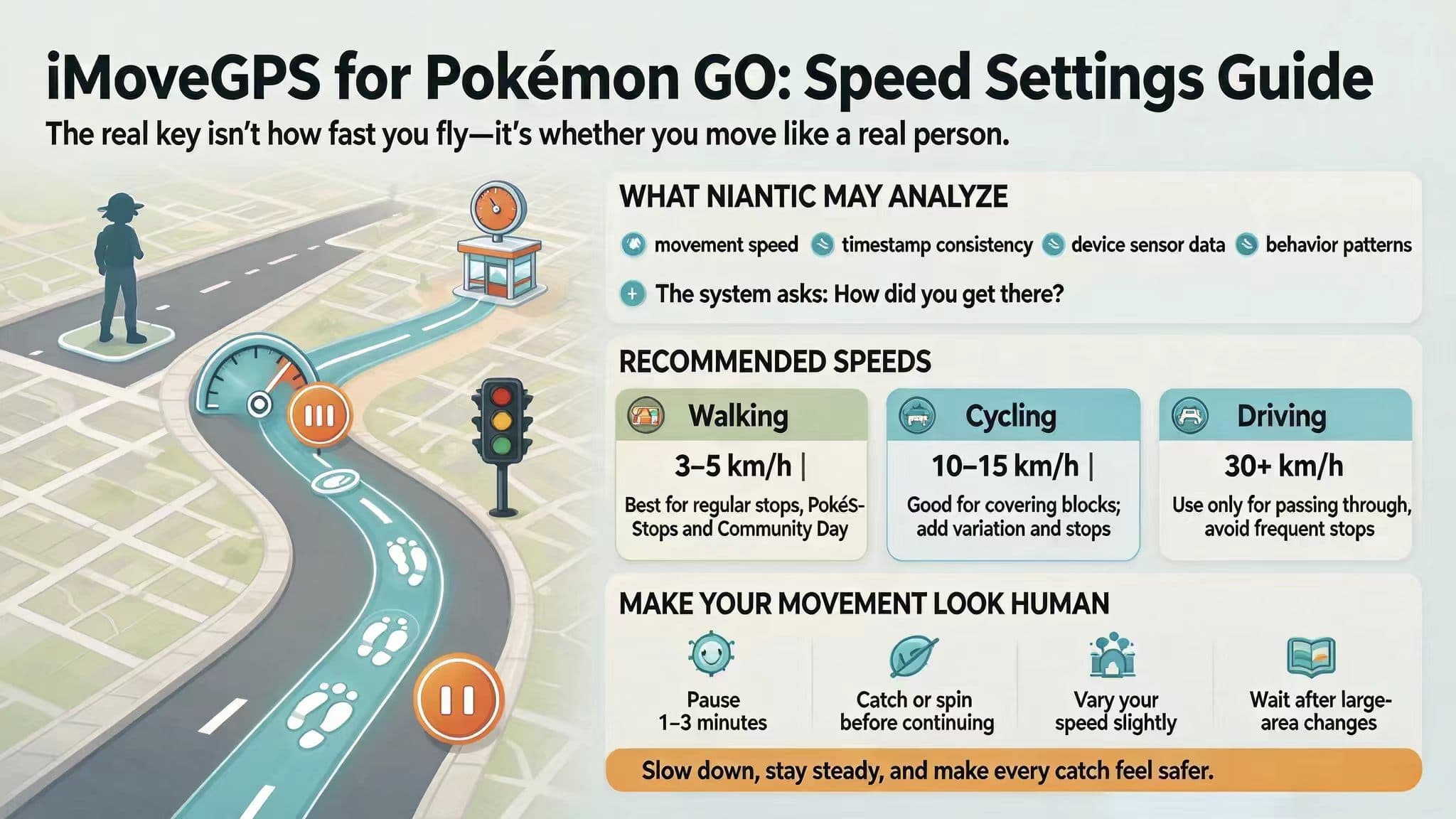
In practice, users can adjust the movement speed. The video specifically demonstrates the software’s realistic mode. This mode simulates real-world walking gait and speed variations, making the movement trajectory more closely resemble genuine human activity and effectively reducing the risk of account suspension due to platform anomaly detection.

3. Multi-Route: Multi-Waypoint Setup and Sequential Execution
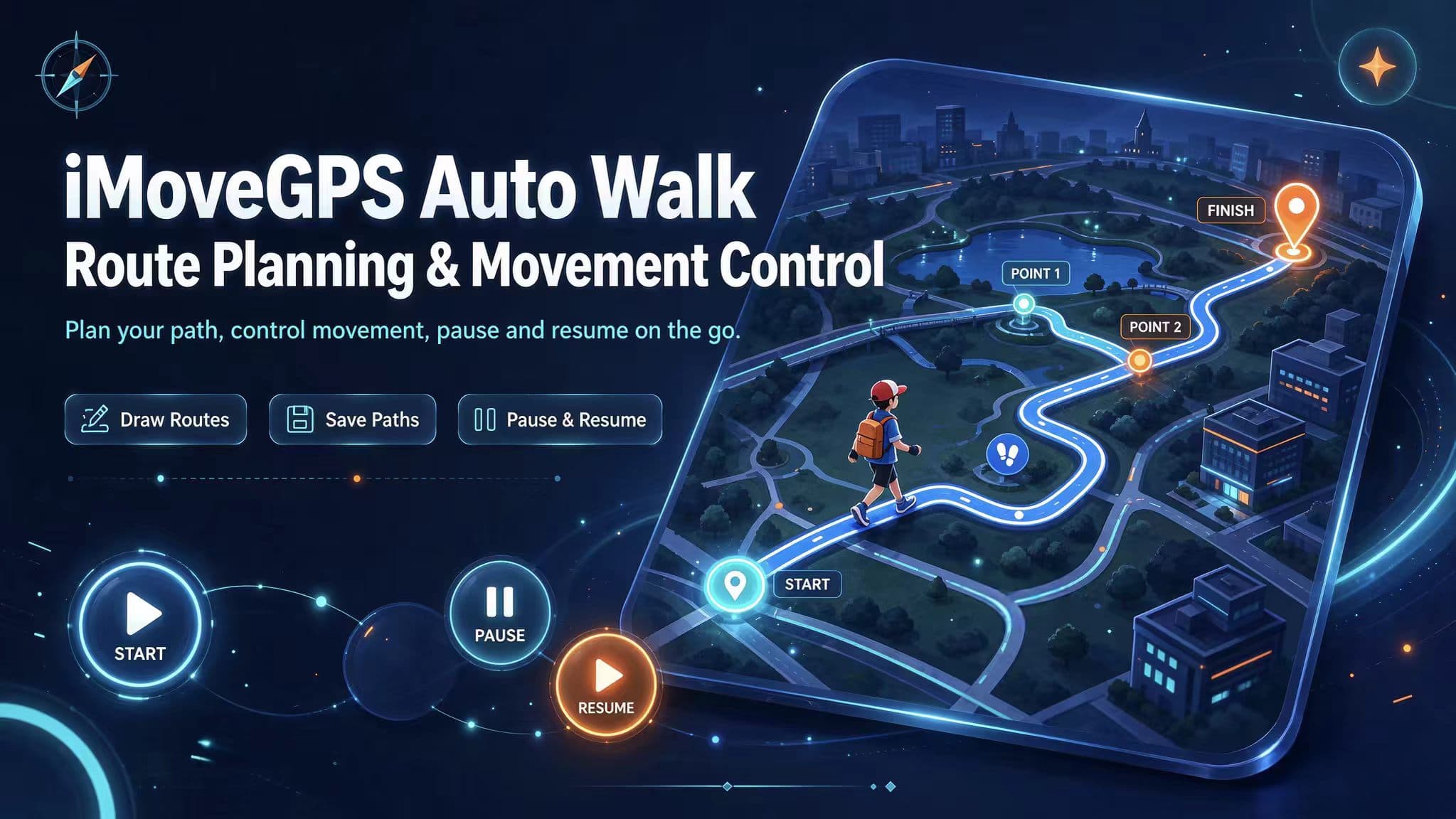
The Multi-Route feature is designed for planning complex routes with multiple waypoints. Users can sequentially set multiple waypoints on the desktop map; once configured and started, the software will guide the position through each waypoint in the specified order.
The core value of this feature lies in route orchestration flexibility. When a single-route destination is insufficient, or when multiple areas need to be visited in a specific order, users no longer need to perform multiple manual operations—a single setup is all it takes to complete the entire sequence automatically. The video demonstrates setting multiple waypoints and the position moving through each node sequentially and seamlessly, achieving automatic connection between route segments.

4. Feature Summary
Each of the three features serves a distinct purpose: Joystick Walking provides real-time, precise directional adjustments through stepless outer-ring control and a center play button, with seamless mid-movement turning; Route auto-plans a path after destination selection and supports realistic mode to reduce suspension risk; and Multi-Route allows users to set multiple waypoints and execute them automatically in sequence.
For users new to the iMoveGPS desktop application, it is recommended to first familiarize yourself with the stepless directional control, then set a destination to experience Route’s auto-planning and realistic mode, and finally try setting multiple waypoints to experience Multi-Route’s sequential execution. Complete screen recordings of each step are available in the video, and combined with this guide, users should be able to get up to speed quickly.