November Pokémon GO Events Put Route Planning in the Spotlight
Pokémon GO’s November events are still underway. According to the official announcement, Pawniard Community Day will take place on November 21, from 2:00 p.m. to 5:00 p.m. local time. Pawniard will appear more frequently in the wild, catching Pokémon will reward twice as much Candy, and Eggs placed in Incubators during the event will require one-quarter of their usual hatch distance. Trainers can also evolve Bisharp into a Kingambit that knows the featured Charged Attack, Kowtow Cleave, during the event or within four hours after it ends. Read the Pawniard Community Day details
The official event calendar also includes a Super Mega Raid Day on November 28. View the official event dates Events vary in timing, location, and in-game objectives, so players often plan their play sessions and routes in advance. This makes route planning and movement controls features worth exploring.

Why Use Auto Walk?
When following a route, having to control every segment manually can interrupt the flow of gameplay. Auto Walk brings routes and movement controls together: once a route is selected, you can start moving and pause or resume when needed.
It’s useful for players who want routes to be easier to plan and manage. For example, drawing a route lets you map out a path your way, while saving a route makes it easy to use again later. Pause and resume controls add flexibility, letting you stop temporarily and pick up where you left off.
Auto Walk is about more than simply moving your character. It also makes routes easier to follow and movement status easier to manage. You can focus on planning your route and watching the game screen without repeatedly selecting a route or starting over.
Flexible Route Planning
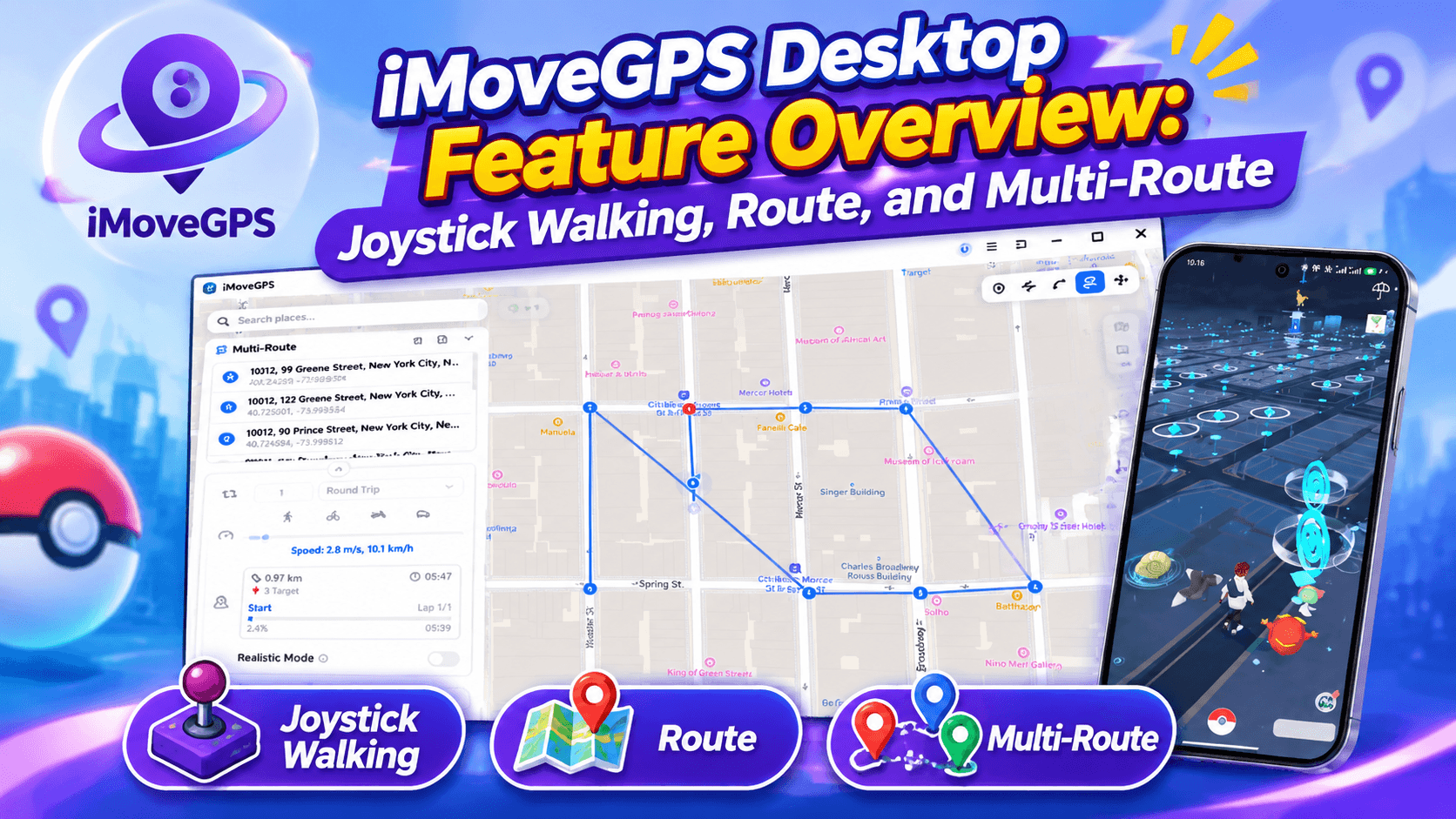
iMoveGPS lets you draw a route on the map or choose one you’ve already saved. For a new plan, you can draw a path to suit your needs. To reuse a familiar route, simply select it from your saved routes.
Each option serves a different purpose: drawing gives you more flexibility when planning a route, while saved routes are convenient when you want to use one again. Choose the option that fits your current plan.
A Clearer View of Movement
The video shows the iMoveGPS route interface alongside the Pokémon GO game screen. You can see the route controls while also watching the character move, pause, and resume. Showing both views together makes it easier to understand how Auto Walk relates to what’s happening in the game.
The demonstration was recorded on Android. iMoveGPS is also available on iOS.
Routes That Fit Your Plans
Every player plans routes differently. Sometimes you may want to map out a new path; other times, you may prefer to reuse a route you already know. By offering both manually drawn and saved routes, iMoveGPS lets you adjust your route plan to suit each session. Combined with Auto Walk’s start, pause, and resume controls, this makes it easier to manage movement as part of your overall play session.

From Route Planning to Movement Controls
From Pawniard Community Day to the raid event at the end of the month, Pokémon GO offers a different mix of gameplay throughout November. For players interested in route management, iMoveGPS Auto Walk brings route selection and movement controls together for a more connected route-planning experience. The Android demonstration video shows the feature in action, and iMoveGPS is also available on iOS.